
Oases TutorPlace – Simple Student Management
February 2, 2021 2026-01-19 9:53Oases TutorPlace – Simple Student Management
TutorFirst TutorPlace – Simple Student Management
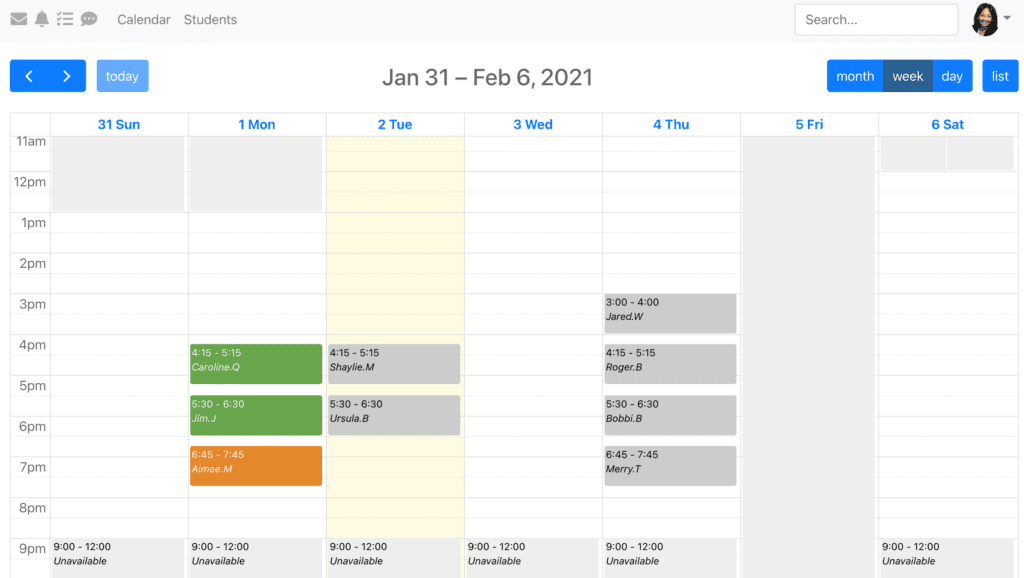
Simple Student Management for Tutors
TutorFirst has released a new simple interface for tutors called TutorPlace. As a result, tutors can manage their TutorFirst students and sessions and other tasks via this new TutorFirst platform. Most importantly, TutorPlace will make managing TutorFirst sessions and students much easier for your busy tutors.
Don’t worry – it’s still TutorFirst. TutorPlace will populate from your regular TutorFirst data and is included with your existing TutorFirst subscription. We’ve made it fully responsive and designed for use on devices or desktops. This helps busy tutors free up time for what they do best – tutoring.
The Admin interface has also been updated and may be viewed here.
Why We Created TutorFirst TutorPlace
TutorFirst is packed with features and functions to manage your tutoring business. Whether you bill parents or school districts you can create schedules and sessions for different programs, different locations. There are different session types to manage services. and it’s also possible to create custom fields and custom buttons to denote a special status and trigger emails.
But what if you as an administrator need all the bells and whistles for back office management but tutors don’t. Perhaps they find these functions distracting when tutors simply need to log in, add a note and and close out the session?
Now tutors don’t have to see all the things involved in running a successful tutoring business. They don’t need to see behind the scenes therefore, they now interact with a simple list of sessions and students.
TutorPlace – White Label for your Website
We have solved this problem by creating TutorFirst TutorPlace, for simple student management. With a sleek modern interface accessible via device or desktop the TutorPlace login may be added to your website. Publish the code to a page for a simple white label login. No branding colors or logos, just your website header and footer.
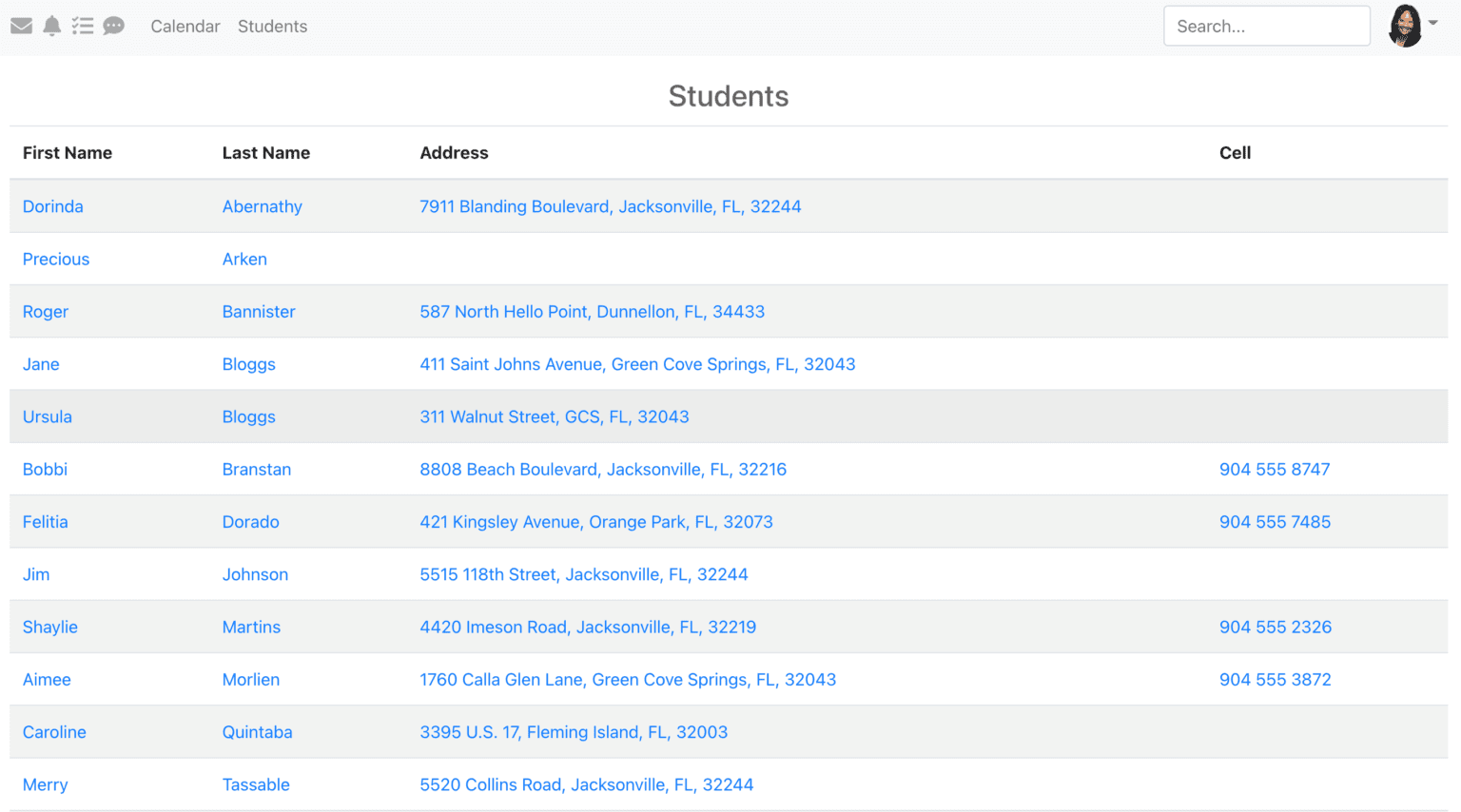
Adding Sessions & Working with Students
If your tutors do create their own sessions, this too has been simplified with a simple calendar press and select and access to some of our best loved session features such as custom fields, homework assignments, subjects & levels are still there in a simple press and select icon array.
Student records may be opened to view or add tests, learning plans and progress reports.
TutorPlace – See It All In Action
If you would like to see TutorFirst in action to see TutorPlace or any of the other great features and functions to streamline your tutoring business, please use the link below to book an online demonstration at your convenience.
TutorFirst Updates
Click below to subscribe to our blog & choose what you would like to receive.
We promise to keep your email address confidential & you can unsubscribe at any time.
Find articles that interest you
Book your demo time now
Use our online booking system to pick a time for a no commitment demonstration that suits you. Quick and easy!
When you’re ready!